


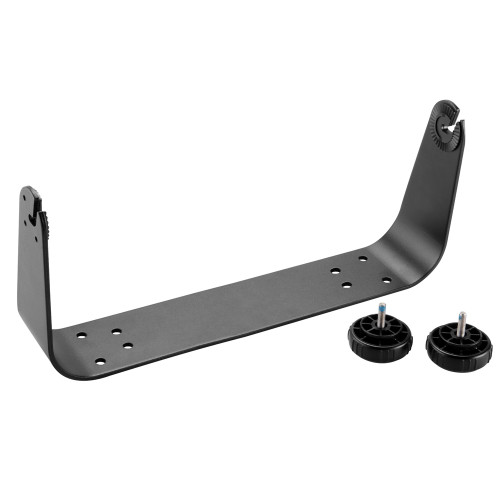
Garmin GPSMAP 800 Series Bail Mount with Knobs, Swivel and Tilt

-
Perfect Fit, Guaranteed
Get the right part every time
-
Expert Support
Our in-house specialists know our products inside and out
-
Enhanced Value & Service
We go beyond the sale with professional and balanced services
-
Wordwide Delivery
Enjoy hassle-free worldwide delivery
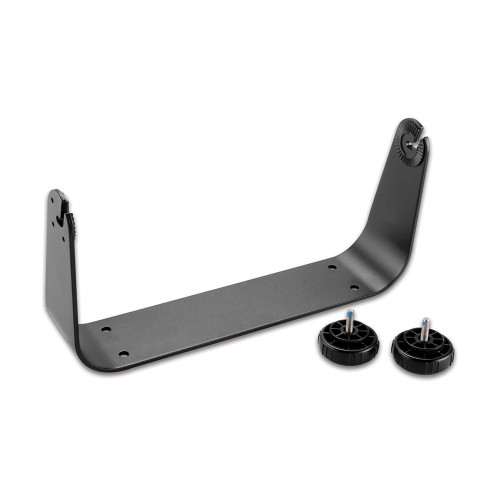
Garmin GPSMAP 800 Series Bail Mount with Knobs, Swivel and Tilt

Garmin GPSMAP 800 Series Bail Mount with Knobs, Swivel and Tilt
Overview
The Garmin 010-12127-00 is a bail mount with knobs for surface-mounting GPSMAP 800 Series chartplotters at the helm. It gives you a simple bracket mount when flush mounting is not practical, and the unit can be tilted and swiveled to keep the screen readable from your normal driving position. It is commonly used with 8-inch GPSMAP 800 Series units such as the GPSMAP 820/820xs and GPSMAP 840xs.
On a boat, the main advantage is the side knobs: loosen them to adjust your viewing angle, then tighten to hold the display steady when the console is vibrating or the sea state is up. This style of mount also makes it easier to position the unit where glare is lower and cable routing is cleaner.
Key features
- Bail-style bracket for surface mounting GPSMAP 800 Series chartplotters on a flat helm or nav surface
- Swivel and tilt adjustment to match sightlines from seated or standing operation
- Side knobs allow quick angle changes without tools and clamp the unit in position once set
- Common fit for 8-inch GPSMAP 800 Series models including GPSMAP 820/820xs and GPSMAP 840xs
- Helps keep the display off the dash face, leaving space behind for cable bend radius and strain relief
What’s included
- Bail mount bracket
- Two adjustment knobs
Compatibility and fit
This mount is intended for Garmin GPSMAP 800 Series units that use a two-side-point bail bracket interface. Before ordering, confirm your exact chartplotter model is part of the GPSMAP 800 Series and that the housing has the side mounting points that accept a bail mount.
Installation and setup
Plan the mounting spot with the screen tilted to its extremes so it will not hit a windshield frame, grab rail, or electronics box. When mounting to fiberglass or thin panels, use appropriate reinforcement and hardware for the surface so the bracket stays tight over time.
After the bracket is secured, set the viewing angle with the helm in its normal running configuration, then snug the knobs evenly. Leave enough slack in the connected cables to allow tilting without pulling on the connectors.
Use cases on board
This is a good match for center consoles, pilothouses, and sailboat nav stations where you want an 8-inch GPSMAP at eye level and you adjust the angle as lighting and seating position change during the day.
Maintenance and care
Rinse salt residue off the bracket and knobs during routine washdowns and re-check mounting hardware occasionally. If the unit starts to creep out of position underway, clean the contact surfaces and re-tighten the knobs evenly.
We ship all in-store (FL) stock orders the same day if placed before 3 PM EST, Monday through Friday. Orders placed after this time will ship the next business day. Orders fulfilled from other warehouses or manufacturers may not ship the same day. If an item is out of stock, we will notify you promptly.
Related Products
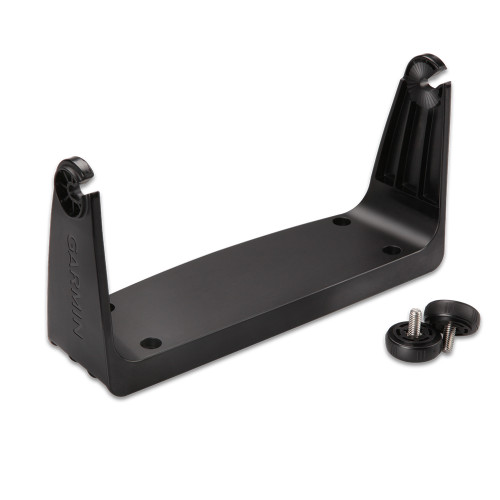
Garmin Bail Mount with Knobs, For GPSMAP 7x07 Series, Tilting
Out of stock
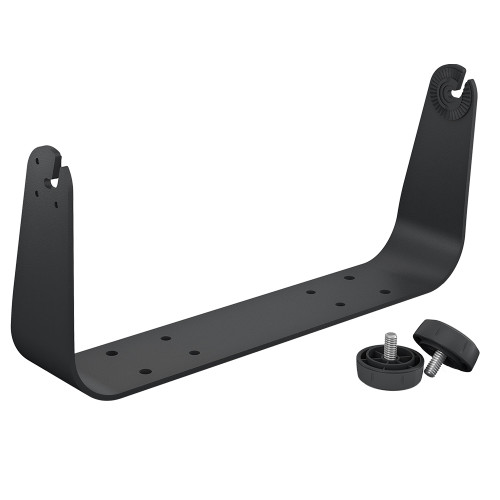
Garmin Bail Mount with Knobs, Tilting, for GPSMAP 8x16 Series

Garmin Bail Mount With Knobs, For GPSMAP 8x12 Series, Tilting
Out of stock
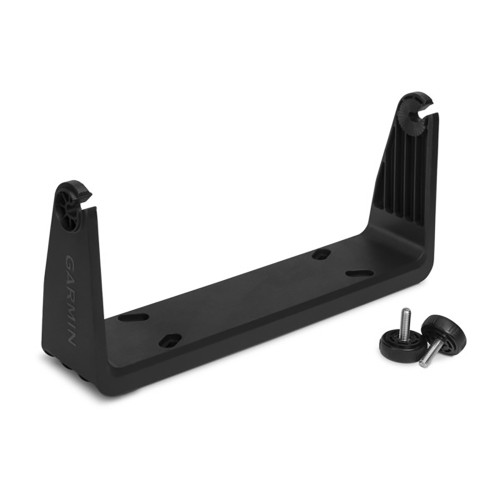
Garmin GPSMAP 7x2 Series Bail Mount Bracket, With Knobs, Tilting
Out of stock
Garmin GPSMAP 7x16 Bail Mount, With Knobs, Tilting Mount
Out of stock