


JL Audio Panel-Mount USB-C/USB-A Charging Jack, 5V/2.1A


-
Perfect Fit, Guaranteed
Get the right part every time
-
Expert Support
Our in-house specialists know our products inside and out
-
Enhanced Value & Service
We go beyond the sale with professional and balanced services
-
Wordwide Delivery
Enjoy hassle-free worldwide delivery
JL Audio Panel-Mount USB-C/USB-A Charging Jack, 5V/2.1A
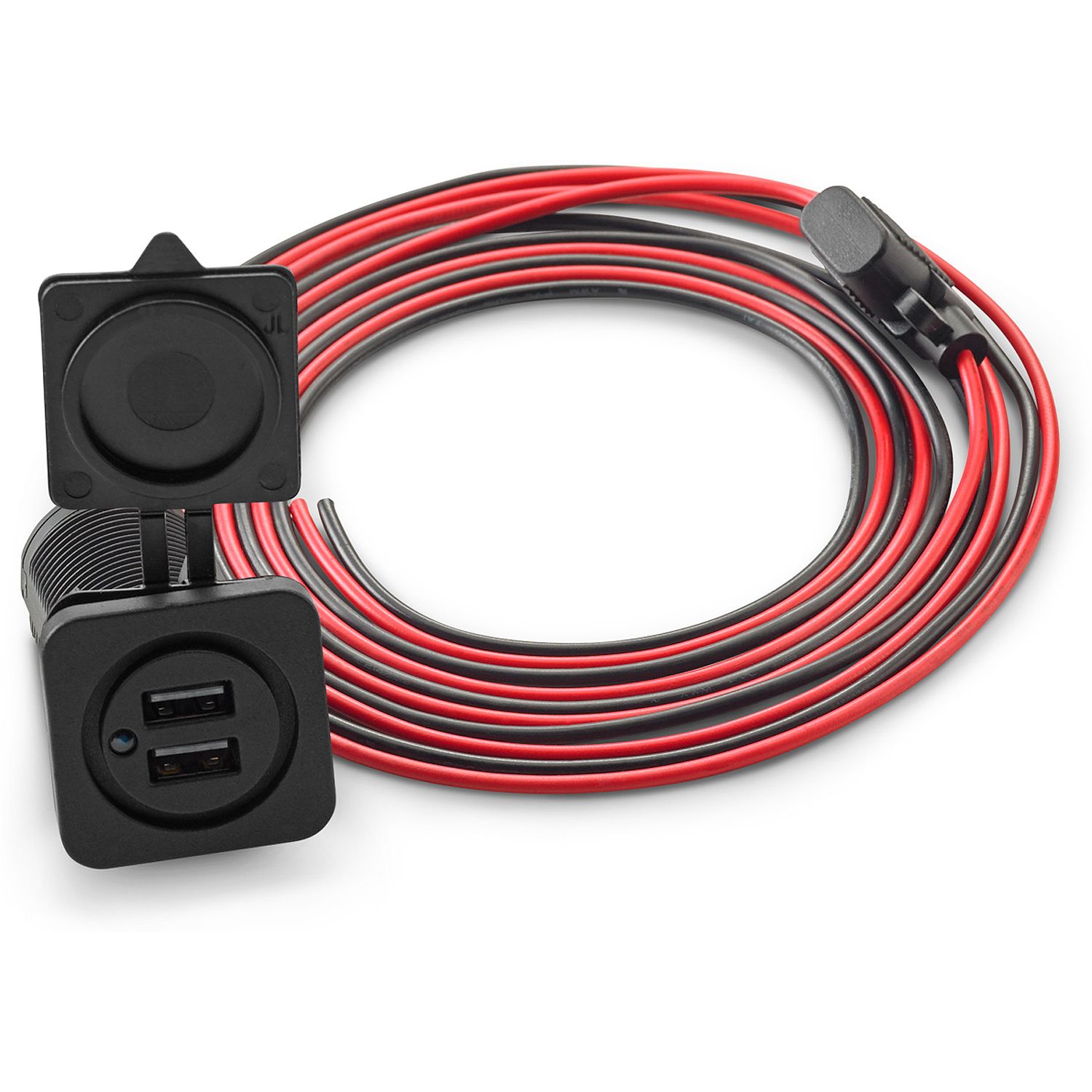
JL Audio Panel-Mount USB-C/USB-A Charging Jack, 5V/2.1A
Overview
The JL Audio 010-13623-00 is a JL Audio USB-C and USB-A charging jack that mounts through a panel to add a fixed charging point on board. It supplies 5 V charging up to 2.1 A and has a blue LED that lights when the port is powered.
It installs in a 1.125" cutout and clamps to a flat surface up to 1.25" thick with a rear wing nut. A rubber cover seals the face when the ports are not in use, and the attached cable is 6' (1.83 m) long to help reach your power feed. Your device charging cable is not included.
Key features
- Panel-mount charging point with one USB-C port and one USB-A port on the face
- 5 V output charging up to 2.1 A for phones, tablets, and other USB-powered electronics
- Blue LED indicates when power is active, so you can see at a glance that the circuit is on
- Fits a 1.125" mounting hole and clamps to flat panels up to 1.25" thick
- Rubber cover closes over the ports to keep spray and grit out when not charging
- 6' (1.83 m) overall cable length for flexible routing behind the dash or cabinetry
What’s included
- USB-C and USB-A panel-mount charging jack with attached 6' (1.83 m) cable
- Rubber protective cover
- Rear wing nut for clamping to the mounting surface
Compatibility and fit
This is a good fit anywhere you can drill a clean 1.125" hole and access the back side to tighten the wing nut. Leave enough clearance behind the panel for the body of the jack and for the cable bend radius so the wiring does not get pinched when you secure it.
The front ports accept standard USB-A and USB-C device cables. Keep in mind the unit is a charging point only, so it is meant for powering devices rather than handling audio or data connections.
Installation and setup
Drill the 1.125" cutout, insert the jack from the front, then tighten the wing nut from the back until it is snug and stable. Route the cable away from sharp edges and moving parts, and tie it off so vibration does not work the wiring loose over time.
Connect it to your boat’s DC system using an appropriately fused circuit and clean, secure terminations. Once powered, the blue LED confirms the port is live before you plug in devices.
Use on board
This setup makes sense at the helm for a phone running charts, in the cabin for tablets and e-readers, or near a berth for overnight charging. It also works well on boats that have a mix of older USB-A cables and newer USB-C cables in daily use.
Maintenance and care
Close the rubber cover whenever the ports are not being used, especially in open cockpits and on boats that see salt spray. If the face gets salt or grime on it, wipe it down with fresh water and a soft cloth and check occasionally that the mounting nut remains snug.
We ship all in-store (FL) stock orders the same day if placed before 3 PM EST, Monday through Friday. Orders placed after this time will ship the next business day. Orders fulfilled from other warehouses or manufacturers may not ship the same day. If an item is out of stock, we will notify you promptly.
Related Products


Scanstrut ROKK Charge Pro Fast Charge USB-A & USB-C Socket SC-USB-03


Poly-Planar - Panel Mount USB Charging Ports - 12V
Out of stock
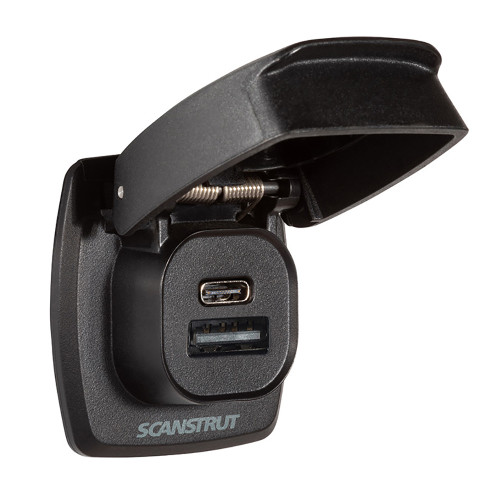

Scanstrut Flip Pro Plus Fast Charge USB-A & USB-C Socket SC-USB-F4

Fusion - MS-CBUUSB3.5 Panel Mount USB & 3.5mm Headphone Jack
Out of stock

Scanstrut Flip Pro Max - Dual USB-C Charge Socket SC-USB-F3