


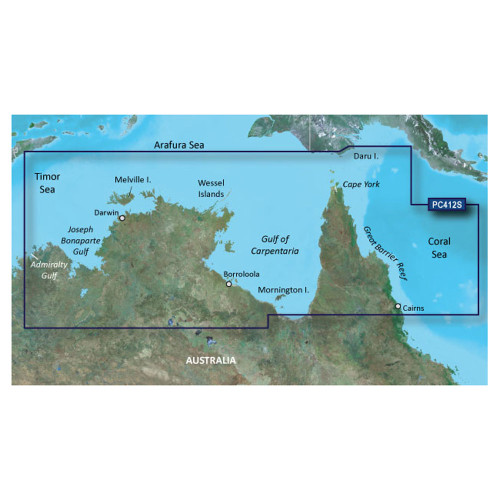
Garmin BlueChart Coastal Chart, Australia Admiralty Gulf WA to Cairns

-
Perfect Fit, Guaranteed
Get the right part every time
-
Expert Support
Our in-house specialists know our products inside and out
-
Enhanced Value & Service
We go beyond the sale with professional and balanced services
-
Wordwide Delivery
Enjoy hassle-free worldwide delivery
Garmin BlueChart Coastal Chart, Australia Admiralty Gulf WA to Cairns
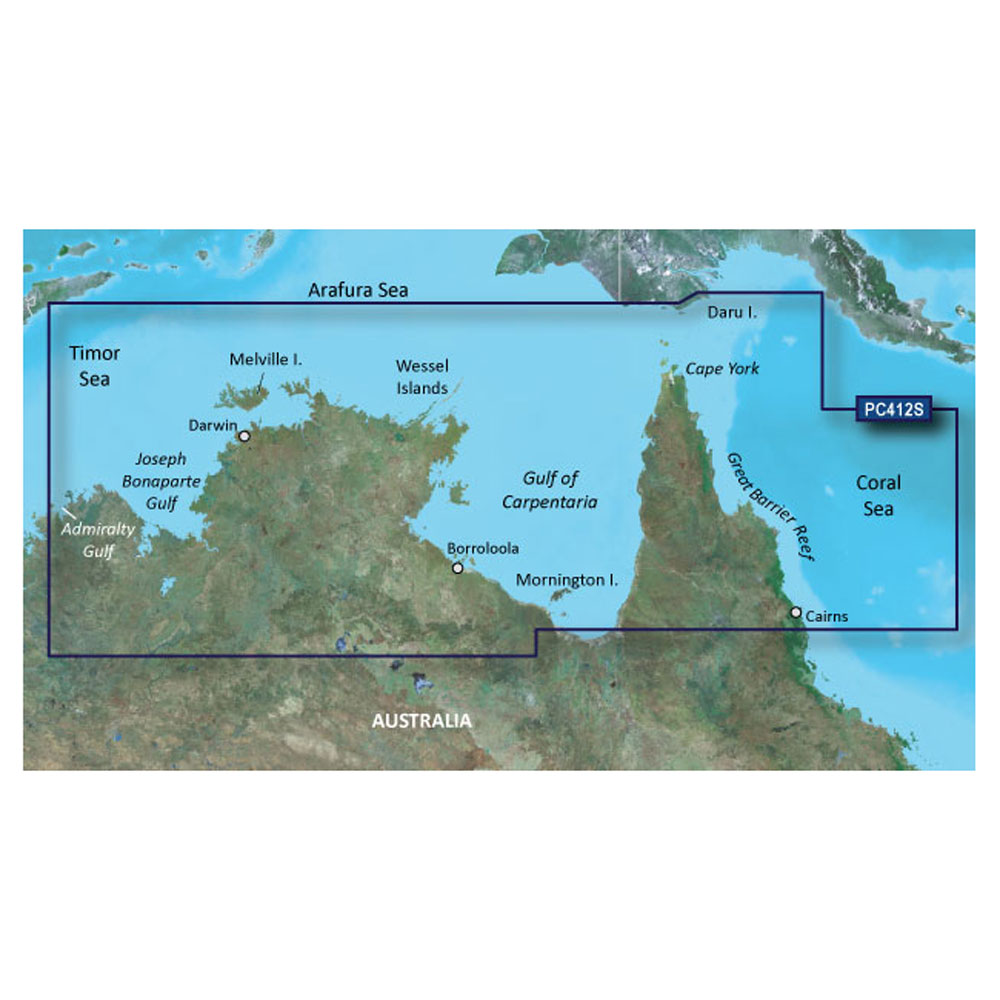
Garmin BlueChart Coastal Chart, Australia Admiralty Gulf WA to Cairns
Overview
The Garmin BlueChart g3 Vision HD is an electronic chart for northern Australia that covers the run from Admiralty Gulf (WA) to Cairns, with detail that’s useful when you’re picking your way along the coast or working in and out of ports and reef areas. You get 1-foot contours and depth range shading (up to 10 depth ranges) so the bottom picture stays readable when you zoom in around shoals, channels, and anchorages.
This chart region includes areas such as Joseph Bonaparte Gulf, Darwin, the Wessel Islands, the Gulf of Carpentaria, Cape York, the Great Barrier Reef, and Port Moresby (PNG). BlueChart g3 Vision adds extra presentation layers like satellite imagery overlays, aerial photography for many ports and marinas, and 3D views (MarinerEye and FishEye) when supported by your Garmin chartplotter.
There are no wiring or voltage considerations for the chart itself, since it runs through your chartplotter’s card slot and the chartplotter supplies power as normal. Choose the delivery format that matches how you prefer to load charts on board: a preprogrammed card you insert directly, or a download you install to a memory card using Garmin Express on a computer.
Key features
- Coverage for northern Australia from Admiralty Gulf (WA) to Cairns, including Joseph Bonaparte Gulf, Darwin, the Wessel Islands, Gulf of Carpentaria, Cape York, the Great Barrier Reef, and Port Moresby (PNG)
- 1-foot contours for a clearer read on bottom shape in shallow areas and around structure
- Depth range shading for up to 10 user-set depth ranges
- Auto Guidance route suggestions based on boat dimensions for trip planning on compatible units
- Shallow water shading available on BlueChart g3 to highlight user-defined shallow areas
- High-resolution relief shading on BlueChart g3 Vision HD, with the relief layer available as a downloadable feature through ActiveCaptain on supported systems
- MarinerEye and FishEye 3D views on BlueChart g3 Vision HD for an at-a-glance depth and terrain perspective
- High-resolution satellite imagery overlays and aerial photography on BlueChart g3 Vision HD for visual confirmation around landmarks, ports, and marinas
Variants
This chart region is offered in multiple configurations so you can match both the cartography level and the delivery method to your Garmin setup.
The options vary by BlueChart version (BlueChart g3 Vision versus BlueChart g3) and by format (preprogrammed card versus download installed to a memory card). Coverage remains the same Admiralty Gulf (WA) to Cairns region, while the g3 Vision versions add satellite imagery, aerial photography, and 3D views.
- 010-C0870-00: BlueChart g3 Vision, SD Card. This is a preprogrammed chart card that you insert into the chartplotter to access the chart data and Vision layers.
- 010-D0520-00: BlueChart g3 Vision, Download. This is installed to a memory card using Garmin Express, then used in the chartplotter like a chart card.
- 010-C0870-20: BlueChart g3, SD Card. This is a preprogrammed chart card focused on the core cartography layers, including shallow water shading and detailed contours.
- 010-D0542-00: BlueChart g3, Download. This is installed to a memory card using Garmin Express for the same chart region in the standard g3 format.
Compatibility and setup
This product category is meant for compatible Garmin chartplotters (and supported Garmin marine handhelds) that can read BlueChart g3 or BlueChart g3 Vision cartography. Your chartplotter determines whether you use a microSD slot, an SD slot, or an adapter arrangement, so it’s worth checking the card type your unit physically accepts before ordering.
If you choose a download format, plan on using a blank memory card and a computer with Garmin Express to write the chart to that card. When you’re using a preprogrammed chart card, setup is as simple as inserting the card and selecting the chart layer on your Garmin display.
Use notes on board
Auto Guidance is a planning tool and does not replace safe navigation practices. On busy coastlines and reef systems, it’s still good seamanship to cross-check with local knowledge, conditions, and what you see outside the helm.
This chart is a good match for skippers cruising the remote northern coast, fishing structure, or threading reef and port approaches where 1-foot contours, depth shading, and the added Vision imagery layers help you confirm what you’re seeing on screen.
We ship all in-store (FL) stock orders the same day if placed before 3 PM EST, Monday through Friday. Orders placed after this time will ship the next business day. Orders fulfilled from other warehouses or manufacturers may not ship the same day. If an item is out of stock, we will notify you promptly.
Related Products
Garmin BlueChart Coastal Chart, Gulf & Red Sea Coverage

Garmin BlueChart Coastal Chart, Southern Gulf of Mexico, Navionics Data

Garmin BlueChart g3 Coastal Chart, Gulf of Bothnia, Kalix-Grisslehamn
Garmin BlueChart g3 HD Coastal Chart, Australia & New Zealand

Garmin BlueChart g3 Coastal Charts, Esperance to Exmouth Bay, Australia