


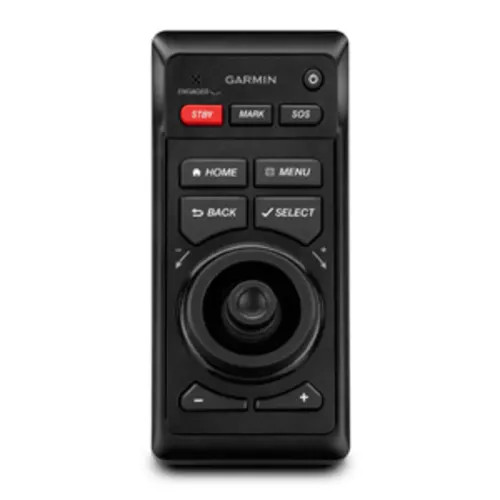
Garmin GRID Remote Input Device, For GPSMAP 8000 Series and GPSMAP 8500, IPX7, 10-35 VDC, Rotary Knob, Joystick




-
Perfect Fit, Guaranteed
Get the right part every time
-
Expert Support
Our in-house specialists know our products inside and out
-
Enhanced Value & Service
We go beyond the sale with professional and balanced services
-
Wordwide Delivery
Enjoy hassle-free worldwide delivery
Garmin GRID Remote Input Device, For GPSMAP 8000 Series and GPSMAP 8500, IPX7, 10-35 VDC, Rotary Knob, Joystick

Garmin GRID Remote Input Device, For GPSMAP 8000 Series and GPSMAP 8500, IPX7, 10-35 VDC, Rotary Knob, Joystick
Overview
The Garmin 010-01024-00 is a remote input device that adds a rotary knob and joystick at the helm for compatible GPSMAP 8000 Glass Helm and GPSMAP 8500 chartplotters. It connects on the Garmin Marine Network and can be assigned to a specific display on the network, so you can run one screen or move control between screens at a station. Power is 10 to 35 Vdc, and the housing is waterproof to IEC 60529 IPX7 for real-world helm spray and washdowns.
This is a low-profile control you can flush-mount into a dash, a helm pod, or an armrest where your hand naturally lands. The footprint is 77 x 174.8 x 60 mm (3 1/16 x 6 7/8 x 2 3/8 in), and it has a 14 in (356 mm) compass-safe distance to keep in mind when laying out the helm.
Key features
- Rotary knob and joystick control for fast menu navigation, map panning, and on-screen selection from a dedicated controller.
- Garmin Marine Network connection with pairing to a compatible chartplotter on the same network.
- 10 to 35 Vdc input with a 7.5 A, 42 V fast-acting fuse requirement.
- Waterproof to IEC 60529 IPX7 for exposed helms and regular washdowns.
- Compass-safe distance of 14 in (356 mm) to help avoid compass interference when mounting.
- Operating temperature range of -15 to 70 C (5 to 158 F) for open-bridge and enclosed installations.
- Size 77 x 174.8 x 60 mm (3 1/16 x 6 7/8 x 2 3/8 in) and weight 258 g (9.1 oz) for a tidy flush-mount install.
Compatibility and fit
This remote is intended for GPSMAP 8000 series installations and the GPSMAP 8500. Garmin chartplotters from earlier series are not supported, so it is worth confirming your existing MFD family before cutting a mounting hole.
Because it lives on the Garmin Marine Network, the controller does not have to be physically next to the display it will run. Once paired, it behaves like a helm-side control point for the chartplotter you assign.
Installation and setup
Plan the mounting location around how you actually drive the boat. A flush mount in the dash works well for stand-up helms, while an armrest or captain’s chair install keeps the controls close when you are seated and running in chop.
Leave room behind the panel for cable bend radius and service access, and keep to the compass-safe distance if you have a magnetic compass nearby. The joystick orientation can be rotated in settings, which helps when the unit is mounted on an angle or in a chair arm.
Electrical and network integration
Power it from a 10 to 35 Vdc supply and keep the specified in-line fuse in place. Typical draw is 100 mA at 12 Vdc, with a 280 mA maximum at 12 Vdc (2.8 W maximum at 10 Vdc), so it is an easy add-on from an electrical load standpoint.
For clean network behavior, keep devices on the same Garmin Marine Network tied to a common ground, and protect both power and network runs from chafe where they pass through bulkheads or under helm structures.
Use cases on board
This controller makes the most sense on boats running a multi-display helm, or any setup where the screen is mounted forward and you want tactile control closer to the wheel. It is also a good match for flybridge and cockpit stations that share the same networked MFDs, where you want a consistent way to navigate without leaning into the display.
What’s included
- GRID remote input device
- Mounting hardware
- Power cable
- Network cable (6 ft)
- Documentation
We ship all in-store (FL) stock orders the same day if placed before 3 PM EST, Monday through Friday. Orders placed after this time will ship the next business day. Orders fulfilled from other warehouses or manufacturers may not ship the same day. If an item is out of stock, we will notify you promptly.
Related Products
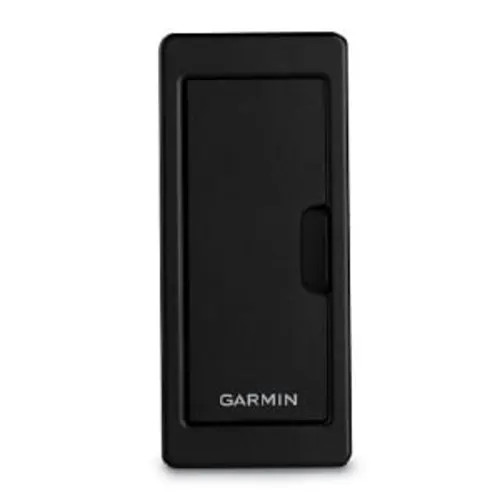

Garmin SD Card Reader, For GPSMAP 8000 Series & 8500, Dual SD Slots, IPX7


Garmin GRID 20 Remote Input Device, NMEA 2000, ANT Wireless, IPX7, 360-Degree Joystick, 4 Favorite Keys

Garmin Bail Mount With Knobs, For GPSMAP 8x12 Series, Tilting
Out of stock
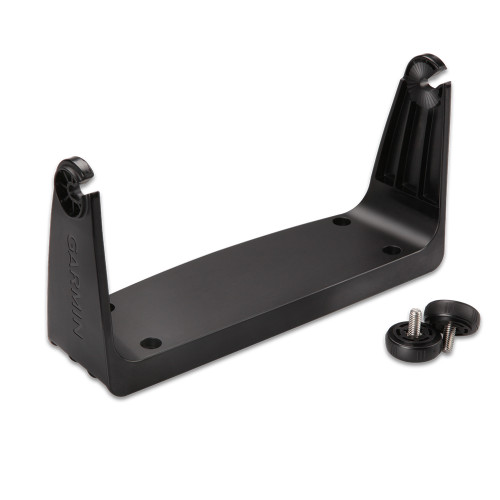
Garmin Bail Mount with Knobs, For GPSMAP 7x07 Series, Tilting
Out of stock
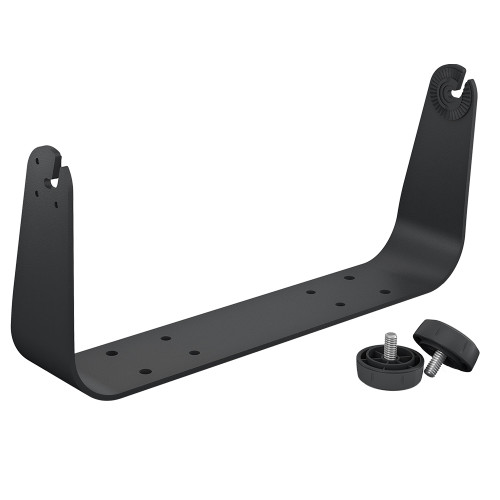
Garmin Bail Mount with Knobs, Tilting, for GPSMAP 8x16 Series