


Garmin Dash Mount Bracket, For GPSMAP 76 Series, Swivel/Tilt, Locking


-
Perfect Fit, Guaranteed
Get the right part every time
-
Expert Support
Our in-house specialists know our products inside and out
-
Enhanced Value & Service
We go beyond the sale with professional and balanced services
-
Wordwide Delivery
Enjoy hassle-free worldwide delivery
Garmin Dash Mount Bracket, For GPSMAP 76 Series, Swivel/Tilt, Locking

Garmin Dash Mount Bracket, For GPSMAP 76 Series, Swivel/Tilt, Locking
Overview
The Garmin 010-10305-00 is an adjustable dash mounting bracket for compatible Garmin handheld GPS units, with a swivel and tilt head so you can set the screen angle where you can actually read it. A locking mechanism holds the handheld in place, which helps when you are dealing with vibration at the helm or when a vehicle dash is bouncing around. It also accepts an optional external power adapter for quick connection to a DC power supply.
This mount is commonly used with handhelds in the GPSMAP 72/72H family, the GPSMAP 76 family (76, 76C, 76CS, 76CSx, 76Cx, 76S), and GPSMAP 96/96C. On a boat, it is a clean way to keep a handheld secured on a console or nav station while still being easy to remove when you want to carry it to the cockpit, dinghy, or dock.
Key features
- Dash-mount style bracket with swivel and tilt adjustment for better screen viewing angles
- Locking mechanism helps keep the handheld seated during vibration and movement
- Accepts an optional external power adapter for a quick DC power connection
- Built around Garmin handheld GPS units in the GPSMAP 72/72H, GPSMAP 76 family, and GPSMAP 96/96C groups
- Works well as a fixed home for a handheld at the helm, with the flexibility to unclip and take the unit with you
Compatibility and fit
Confirm your handheld model is in the supported GPSMAP 72/72H, GPSMAP 76 family, or GPSMAP 96/96C lineup before ordering. These devices share the same general cradle style used by this bracket, but handhelds outside those families use different housings and will not seat correctly.
If your GPS is in a protective case or has a bulky lanyard setup, check that the edges and latch area can still fully engage with the bracket. A secure click-in fit matters more on a boat, where repeated shock loads can work a loosely seated handheld out of a mount over time.
Installation and setup
Mount it where you can see the screen without blocking other helm controls, and where the unit will not get kicked or snagged by lines. Leave enough clearance for the bracket to tilt without hitting a bulkhead, windshield frame, or instrument pod.
For marine installs, pick a location that stays relatively protected from constant spray and direct washdowns. If you plan to run external power, route the cable so it cannot chafe on sharp fiberglass edges and add strain relief near the mount so the connector is not carrying the load.
Power and onboard use
When your handheld supports external power, the optional power adapter connection lets you run from the boat’s DC system instead of relying on internal batteries during long runs. That is helpful for a handheld that lives at the helm as a backup navigator or position display while the main system is off.
Use on board
This bracket is a good match for boaters who still rely on a compatible Garmin handheld as a grab-and-go navigator, a tender GPS, or a backup at the helm. It keeps the handheld in a consistent spot for quick glances, then comes off easily when you need the unit in your hand for docking, anchoring, or scouting a shoreline.
Maintenance and care
Wipe the bracket down occasionally, especially after salt exposure, and keep the swivel points free of grit so the adjustment stays smooth. If you notice the handheld is not locking positively anymore, inspect the latch area for sand or salt buildup and clean it before the next trip.
We ship all in-store (FL) stock orders the same day if placed before 3 PM EST, Monday through Friday. Orders placed after this time will ship the next business day. Orders fulfilled from other warehouses or manufacturers may not ship the same day. If an item is out of stock, we will notify you promptly.
Related Products
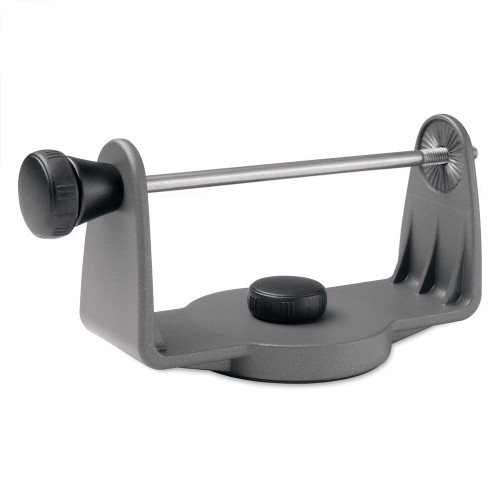
Garmin Replacement Swivel Mount Bracket, For GPSMAP 400 Series, Tilt and Swivel
Out of stock
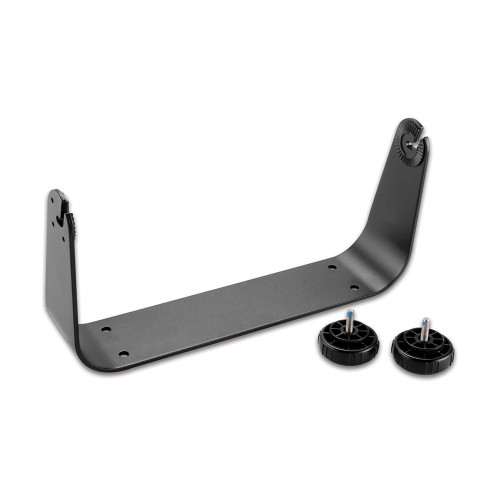
Garmin GPSMAP 800 Series Bail Mount with Knobs, Swivel and Tilt
Out of stock
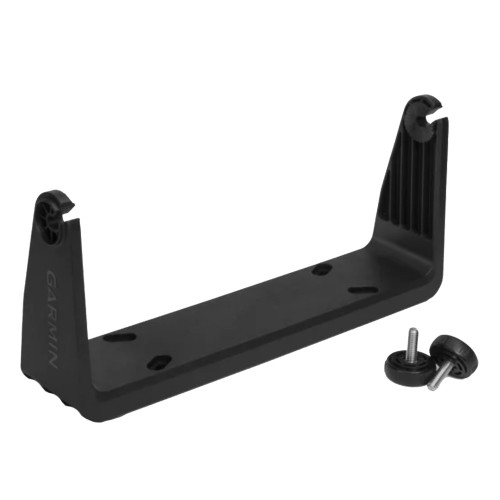
Garmin Bail Mount Bracket, For GPSMAP 9x2 Series, With Knobs, Tilting
Out of stock
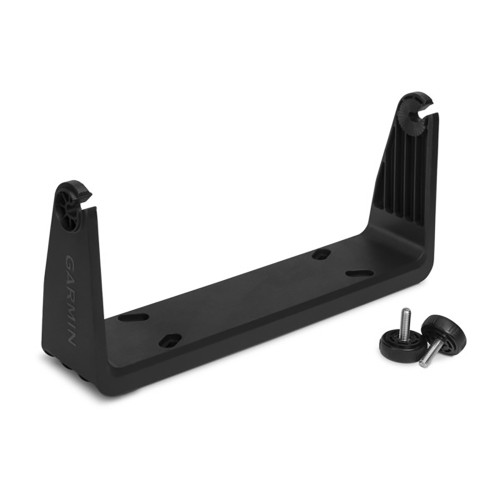
Garmin GPSMAP 7x2 Series Bail Mount Bracket, With Knobs, Tilting
Out of stock

Garmin Swivel Mounting Bracket, for GPSMAP 500 Series, for GXM 31