


Garmin ECHOMAP Ultra 2 Trim Piece Snap Cover


-
Perfect Fit, Guaranteed
Get the right part every time
-
Expert Support
Our in-house specialists know our products inside and out
-
Enhanced Value & Service
We go beyond the sale with professional and balanced services
-
Wordwide Delivery
Enjoy hassle-free worldwide delivery
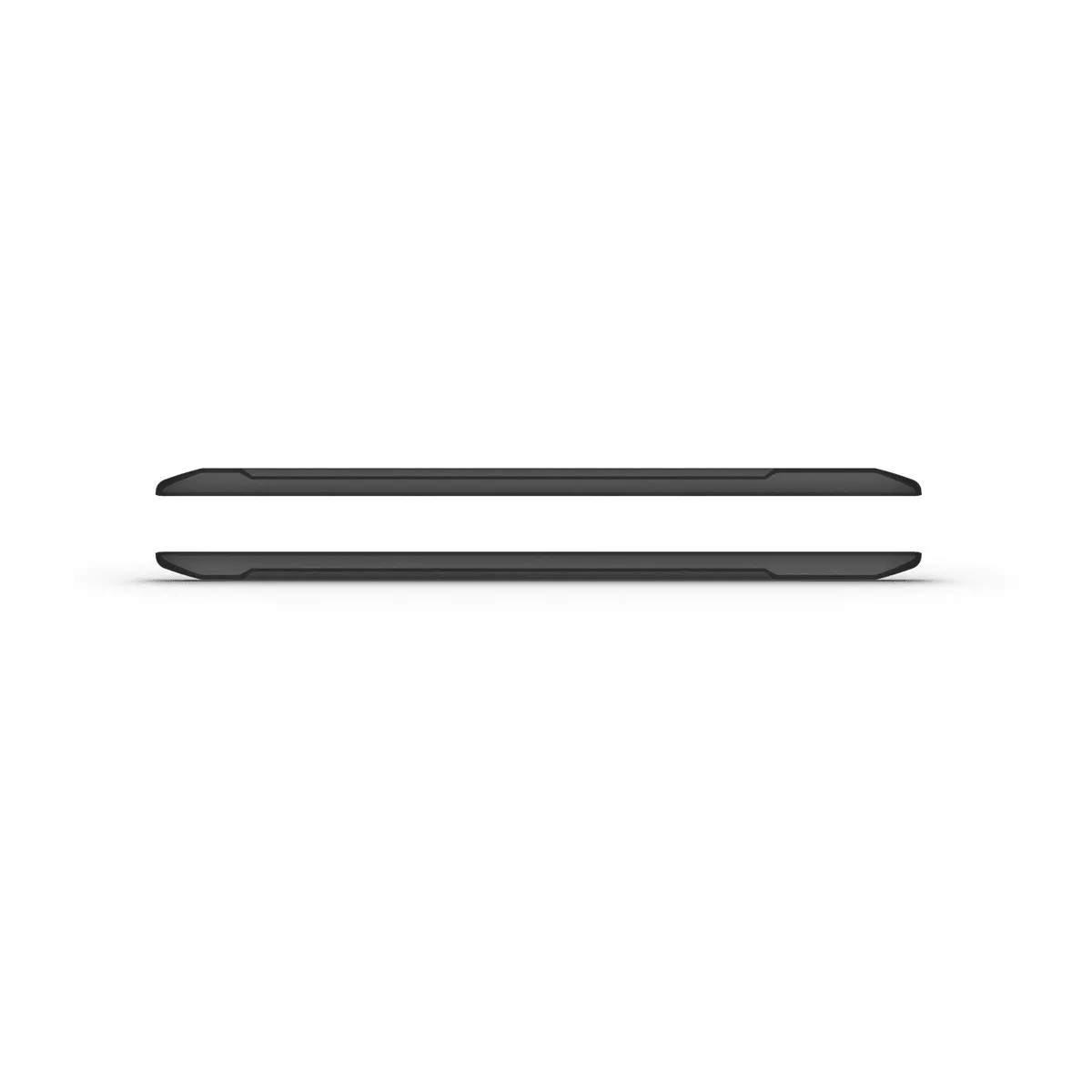
Garmin ECHOMAP Ultra 2 Trim Piece Snap Cover
Overview
The Garmin Trim Piece Snap Cover is a snap-on cover with trim for compatible ECHOMAP Ultra and ECHOMAP Ultra 2 chartplotters in 10", 12", and 16" sizes. It clips over the front to tidy up the edge around the display and helps prevent scuffs and scratches when the boat is at the dock, on a trailer, or being worked on at the helm.
This is a fit-specific accessory, so matching the cover size to your chartplotter size is the key step. Common matches include ECHOMAP Ultra 102sv and ECHOMAP Ultra 2 102sv (10"), ECHOMAP Ultra 122sv and ECHOMAP Ultra 2 122sv (12"), and ECHOMAP Ultra 2 162sv (16").
Key features
- Snap-on cover with trim that finishes the edge around the chartplotter and helps keep the face from getting marked during normal onboard use
- Offered in size-specific versions for 10", 12", and 16" ECHOMAP Ultra family chartplotters
- Handy for trailering, storage, and busy cockpits where gear and lines can rub against the electronics
- No wiring, network setup, or power considerations
Variants
This product is offered in multiple size configurations to match different ECHOMAP Ultra display sizes.
The size is what changes between versions, and each one is intended to clip onto the corresponding chartplotter for a proper fit at the helm.
- 010-12841-02: Size 10". Common matches include ECHOMAP Ultra 102sv and ECHOMAP Ultra 2 102sv chartplotters.
- 010-12842-02: Size 12". Common matches include ECHOMAP Ultra 122sv and ECHOMAP Ultra 2 122sv chartplotters.
- 010-13352-11: Size 16". Common matches include ECHOMAP Ultra 2 162sv chartplotters.
Compatibility and fit
Confirm your chartplotter display size and model family before ordering, since a 10" cover will not seat correctly on a 12" unit, and vice versa. If your unit is installed in a tight dash cutout or inside a protective helm pod, make sure there is enough clearance in front of the screen for the cover to clip on and off without forcing it.
Installation and onboard use
The cover is meant to be pressed into place and removed by hand. Put it on after the day is done to keep the screen area from getting rubbed by bags, tackle, cleaning tools, or dock lines, and remove it before operating the chartplotter.
This accessory is a good match for boats that see frequent trailering, have an open helm, or run in conditions where vibration and onboard gear movement can lead to cosmetic wear around electronics.
Maintenance and care
Rinse with fresh water after salt exposure and wipe with a soft cloth. Avoid harsh solvents and abrasive pads that can dull the surface over time.
We ship all in-store (FL) stock orders the same day if placed before 3 PM EST, Monday through Friday. Orders placed after this time will ship the next business day. Orders fulfilled from other warehouses or manufacturers may not ship the same day. If an item is out of stock, we will notify you promptly.
Related Products

Garmin Trim Piece Snap Cover, For echoMAP CHIRP 5Xdv
Out of stock
Garmin echoMAP Plus 9Xsv Trim Piece Snap Cover
Out of stock

Garmin echoMAP Plus 6Xcv Trim Piece Snap Cover
Out of stock

Garmin Trim Piece Snap Cover, For echoMAP CHIRP 9Xsv, Black
Out of stock

Garmin Trim Piece Snap Cover, For echoMAP Plus 7Xcv/7Xsv
Out of stock