


Garmin MVi-DRCADAPT DRC Adapter, For JL Audio MVi, For DRC-205

-
Perfect Fit, Guaranteed
Get the right part every time
-
Expert Support
Our in-house specialists know our products inside and out
-
Enhanced Value & Service
We go beyond the sale with professional and balanced services
-
Wordwide Delivery
Enjoy hassle-free worldwide delivery
Garmin MVi-DRCADAPT DRC Adapter, For JL Audio MVi, For DRC-205

Garmin MVi-DRCADAPT DRC Adapter, For JL Audio MVi, For DRC-205
Overview
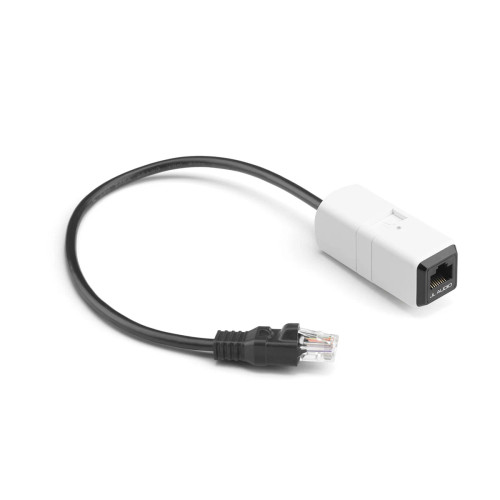
The Garmin 010-13865-00 is a rotary DRC adaptor that lets a rotary-style JL Audio Digital Remote Controller connect to a JL Audio MVi amplifier through the JLid-COMM port. It draws power through the JLid connection, so you do not have to run a separate 12V feed just for the adaptor.
Mounted close to the amplifier, it provides an RJ45 connection point for the remote controller cable and a multi-color status LED you can see during setup. This adaptor is for rotary-style DRC controllers and it is not used with the M-DRC-50 push-button controller.
Key features
- Connects a rotary-style JL Audio DRC, including the DRC-205, to a compatible MVi amplifier via the JLid-COMM port
- Powered through JLid, with no separate power wiring required for the adaptor
- RJ45 jack for the remote controller cable run to the helm
- Multi-color JLid status LED for quick confirmation of connection state and fault conditions
- Not compatible with mono MV amplifiers or the MVi-HUB communication hub
- Mounting clip and two screws included for securing the module near the amplifier
- Rotary DRC controller is sold separately
Compatibility and fit
This adaptor is used with JL Audio MVi amplifiers that have a JLid-COMM port and support rotary-style DRC control. It does not work with mono MV amplifiers, and it does not connect through the MVi-HUB.
If your system uses the M-DRC-50 push-button controller, that controller connects directly and this adaptor is not part of the installation.
Installation and setup
Install the module near the amplifier in a protected location inside the console or cabin where the JLid status LED remains visible. Fasten the supplied mounting clip to a flat surface, snap the adaptor into the clip, then plug the adaptor lead into the amplifier's JLid-COMM port.
Connect the compatible rotary DRC controller cable to the adaptor's RJ45 jack and route that cable to the helm with attention to chafe protection and clean strain relief. Keep the run away from high-current power wiring where possible to avoid introducing noise into nearby signal paths.
Status indication
The on-unit LED reports JLid status: green while detection is in progress, blue when a compatible DRC is connected, yellow for an unrecognized JLid device, and alternating yellow-green for a faulty JLid device. If the adaptor turns off due to a JLid short circuit condition, the adaptor LED will be off and the connected amplifier's JLid-COMM port LED will flash red.
Use on board
This is a good match when the amplifier is installed out of reach in a console, cabin locker, or under a seat and you want rotary control at the helm without opening the amp compartment. It keeps day-to-day adjustments like master level and balance or fade, along with preset access, within easy reach depending on how your MVi system is configured.
What's included
- MVi-DRCADAPT module
- Mounting clip
- Two mounting screws
We ship all in-store (FL) stock orders the same day if placed before 3 PM EST, Monday through Friday. Orders placed after this time will ship the next business day. Orders fulfilled from other warehouses or manufacturers may not ship the same day. If an item is out of stock, we will notify you promptly.
Related Products
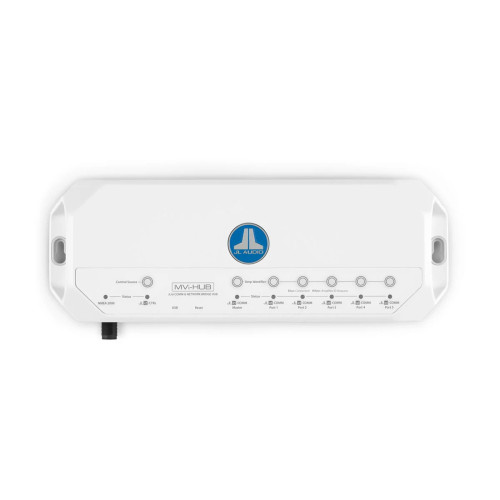

JL Audio MVi-HUB JLid Network Hub, For MVi Amplifiers, IPX2
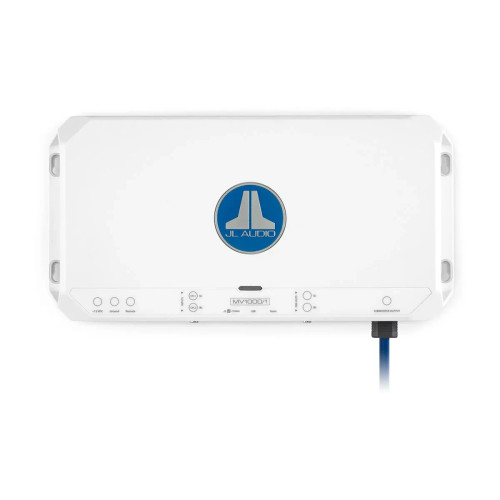
JL Audio MVi Marine Amplifiers, Integrated DSP, Class D
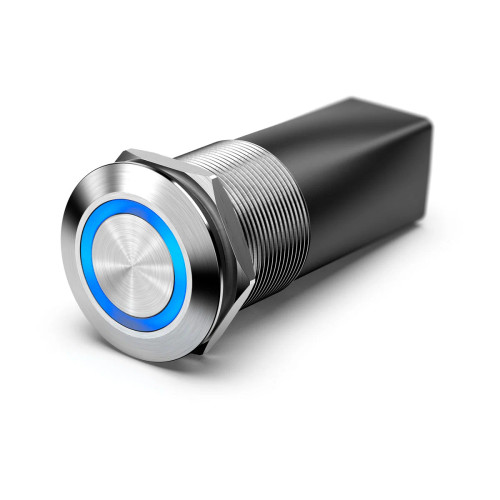

Garmin M-DRC-50 JL Audio Digital Preset Controller, For JLid Port, IP66 Front, 18 ft Control Cable

JL Audio MMC-SXM/AUX SiriusXM to Stereo AUX Adapter Cable, For JL Audio MediaMaster, Not for MM80-HR, 2V RMS Input
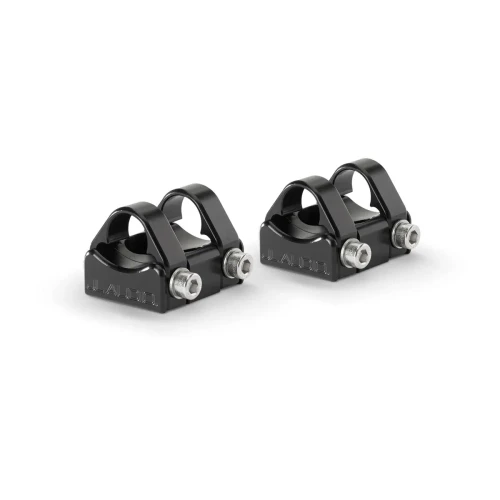
JL Audio Swivel Mount Fixture, For JL Audio PS650-VeX Enclosed Speaker Systems, 2pk