


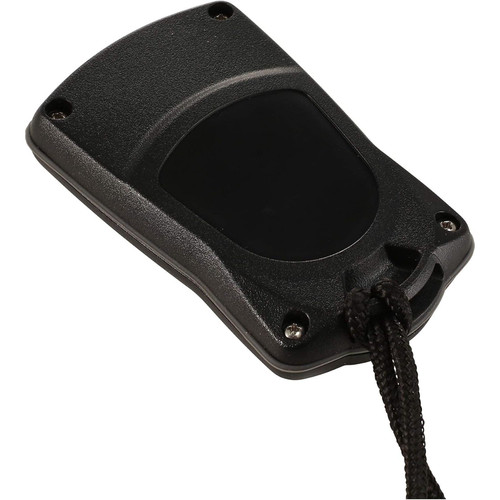
MotorGuide Pinpoint GPS Replacement Remote, For Xi3/Xi5 Pinpoint GPS Motors



-
Perfect Fit, Guaranteed
Get the right part every time
-
Expert Support
Our in-house specialists know our products inside and out
-
Enhanced Value & Service
We go beyond the sale with professional and balanced services
-
Wordwide Delivery
Enjoy hassle-free worldwide delivery
MotorGuide Pinpoint GPS Replacement Remote, For Xi3/Xi5 Pinpoint GPS Motors

MotorGuide Pinpoint GPS Replacement Remote, For Xi3/Xi5 Pinpoint GPS Motors
Overview
The MotorGuide 8M0092071 is a replacement PinPoint GPS handheld remote used to control compatible MotorGuide Xi-series trolling motors from anywhere on the boat. It links wirelessly to a PinPoint GPS enabled motor and gives you steering, prop on and off, and speed control without being tied to the bow.
When the motor has GPS lock, the remote also gives access to PinPoint functions such as Anchor mode, Heading Lock, Cruise Control, and Route record and playback. Route memory supports up to eight routes, each up to 6.4 km (4 miles), which is handy for repeating a shoreline pass or a trolling track.
Key features
- Replacement handheld remote for MotorGuide PinPoint GPS enabled motors, including Xi5 models with PinPoint GPS
- Compatible with Xi3 models equipped with PinPoint GPS
- Controls steering, propeller on and off, and speed from the handheld remote
- Access to Anchor mode, Heading Lock, Cruise Control, and Route record and playback when the PinPoint GPS system has a fixed position
- Route storage supports up to eight routes, each up to 6.4 km (4 miles)
- Runs on two AAA batteries
- Includes a lanyard to keep the remote secured on deck
What's included
- PinPoint GPS replacement remote
- Lanyard
Compatibility and fit
This remote is meant for trolling motors that already have PinPoint GPS. If your motor is not PinPoint GPS enabled, it will not respond to this remote. On Xi5 setups, it applies across 12V, 24V, and 36V models as long as the motor is PinPoint GPS enabled, and it can also be used on Xi3 motors that are equipped with PinPoint GPS.
Pairing and setup
Linking is done at the trolling motor. Deploy the motor, connect the power leads to the battery starting with the positive lead, then within 10 seconds press and hold the left and right arrow buttons on the remote at the same time until the motor confirms the link with an audible tone.
If you need to clear a previously linked remote, cycle power and within 10 seconds press the left arrow, right arrow, and propeller buttons at the same time, then complete the linking step again.
On-board use
This remote makes the most sense for anglers who run a PinPoint GPS trolling motor and want a replacement for a lost or damaged remote, or a spare to keep at the helm or with a co-angler. It also helps on bigger boats where you may move between the bow, cockpit, and console while staying in control of the trolling motor.
PinPoint GPS modes steer the boat, but they do not detect other boats, shallow water, or floating debris. Keep watch and be ready to return to manual control any time conditions change.
Care and storage
After a day with salt spray, wipe the remote down with a damp cloth and let it dry before stowing. Keep the battery compartment seal clean, and remove the AAA batteries for long-term storage to help prevent leakage.
Safety notice
WARNING: Cancer and Reproductive Harm. P65Warnings.ca.gov.
We ship all in-store (FL) stock orders the same day if placed before 3 PM EST, Monday through Friday. Orders placed after this time will ship the next business day. Orders fulfilled from other warehouses or manufacturers may not ship the same day. If an item is out of stock, we will notify you promptly.
Related Products
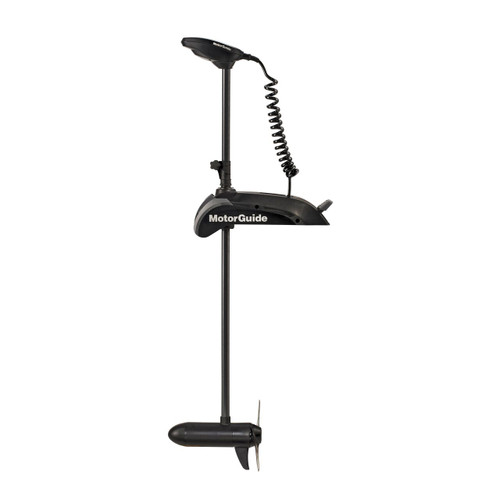

MotorGuide Xi5 Wireless Bow Mount Trolling Motor, Pinpoint GPS
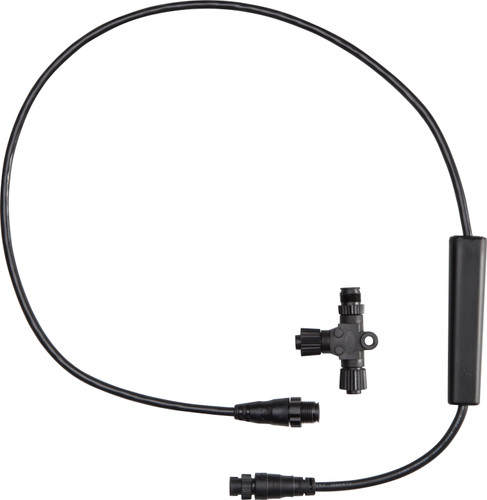
MotorGuide Pinpoint GPS NMEA 2000 Gateway Kit, For Xi5, Lowrance MFD


MotorGuide Wireless Remote Fob, For Xi3/Xi5 Motors, 2.4GHz
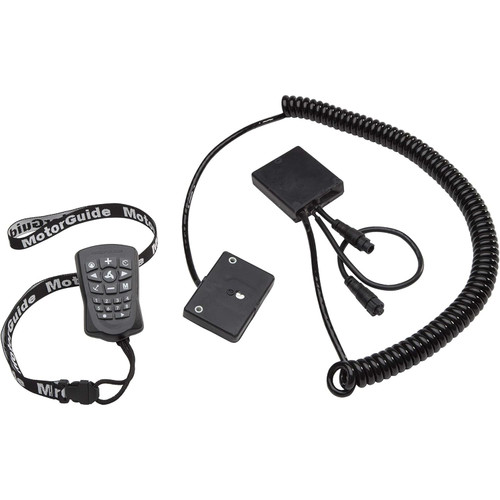

MotorGuide PinPoint GPS Navigation System, Anchor Mode, Heading Lock, Route Record and Playback, Cruise Control, Remote Control
Out of stock

MotorGuide Tour Pro Bow-Mount Cable-Steer Trolling Motor, Pinpoint GPS, 109 lb Thrust, 36V, 45 in Shaft, Foot Pedal/Remote Control, Freshwater
Out of stock