


Garmin USB-C Adapter Cables, For GPSMAP 9000 Series Chartplotters


-
Perfect Fit, Guaranteed
Get the right part every time
-
Expert Support
Our in-house specialists know our products inside and out
-
Enhanced Value & Service
We go beyond the sale with professional and balanced services
-
Wordwide Delivery
Enjoy hassle-free worldwide delivery
Garmin USB-C Adapter Cables, For GPSMAP 9000 Series Chartplotters

Garmin USB-C Adapter Cables, For GPSMAP 9000 Series Chartplotters
Overview
The Garmin USB-C Adapter Cable is an adapter lead that plugs into the USB-C port on compatible Garmin GPSMAP 9000 series chartplotters so you can connect accessories that use Micro USB or USB-A, depending on the version.
It is commonly used when updating charts and software, transferring routes and waypoints, or connecting a Garmin USB card reader at the helm.
Key features
- Made for Garmin GPSMAP 9000 series chartplotters with a USB-C port.
- Available with different device-end connectors: USB-A (male or female) or Micro USB.
- Supports common USB file-transfer tasks such as loading updates and moving user data.
- Useful for temporary connections at the helm without changing onboard wiring.
- A flexible lead helps reduce strain on the chartplotter port compared with rigid adapters.
Variants
This cable is offered with different connector types on the device end.
The chartplotter end is USB-C across the range; the opposite end is the part that changes between USB-A and Micro USB.
- 010-12390-12: USB-C to USB-A female. The device end has a USB-A socket that accepts accessories with a USB-A male plug, such as some card readers and service cables.
- 010-12390-13: USB-C to Micro USB. The device end uses a Micro USB connector for accessories and peripherals that still rely on Micro USB.
- 010-12390-14: USB-C to USB-A male. The device end is a standard USB-A plug for connecting to equipment with a USB-A port, such as a computer during file transfers.
Compatibility and fit
Intended for Garmin chartplotters in the GPSMAP 9000 series that use a USB-C connection, and it can also be used with the Garmin USB card reader.
For the cleanest fit at the helm, match the variant to the plug or port on the device you are connecting. The USB-A versions differ by whether you need a USB-A socket (female) or a USB-A plug (male).
Installation and setup
Plug the USB-C end into the chartplotter, then connect your accessory to the other end. Route the lead so it is not hanging by the connector, and leave a little slack so vibration does not work the plug loose.
USB connections last longer when kept in a sheltered spot. If the port is exposed to spray or washdowns, disconnect after use and stow the cable.
Use on board
This adapter makes sense for boats that manage charts and user data from a laptop, or that still have older USB accessories that need to connect to a newer USB-C chartplotter. It also suits setups where ports stay covered until a transfer or update is actually needed.
We ship all in-store (FL) stock orders the same day if placed before 3 PM EST, Monday through Friday. Orders placed after this time will ship the next business day. Orders fulfilled from other warehouses or manufacturers may not ship the same day. If an item is out of stock, we will notify you promptly.
Related Products
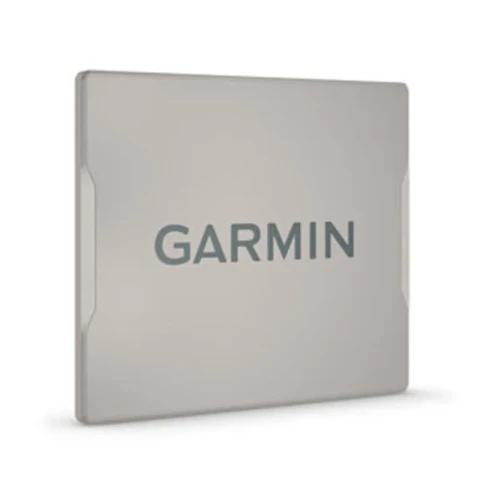
Garmin GPSMAP 9000 Series Chartplotter Protective Cover
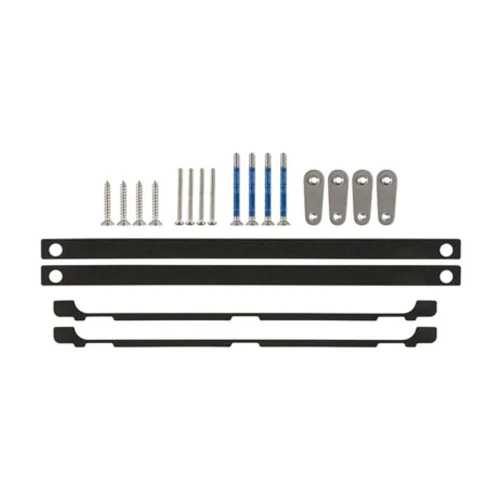
Garmin Flush Mount Kit, For GPSMAP 9000 Series Chartplotters

Garmin GPSMAP 9000 Series Premium Chartplotter, BlueNet, NMEA 2000


Garmin Marine Network to Fusion RJ45 Adapter Cable, For GPSMAP Series Chartplotters, For Fusion Stereos
Garmin GPSMAP x3 Series Chartplotter Protective Cover