


Raymarine IP to Analog Video Decoder, For M100/M200 Thermal Cameras, Composite Video Output, NTSC/PAL


-
Perfect Fit, Guaranteed
Get the right part every time
-
Expert Support
Our in-house specialists know our products inside and out
-
Enhanced Value & Service
We go beyond the sale with professional and balanced services
-
Wordwide Delivery
Enjoy hassle-free worldwide delivery
Raymarine IP to Analog Video Decoder, For M100/M200 Thermal Cameras, Composite Video Output, NTSC/PAL

Raymarine IP to Analog Video Decoder, For M100/M200 Thermal Cameras, Composite Video Output, NTSC/PAL
Overview
The Raymarine A80508 is an IP video decoder that converts a compatible camera's H.264 IP video stream into an analog NTSC or PAL composite-video output. It is the link used when the camera is on a RayNet or Ethernet video path but the onboard monitor still expects a traditional analog video feed.
This unit is used with Raymarine M100 and M200 series thermal camera systems and is included in M132 and M232 system kits. On a boat, that makes it a practical part for refit work, secondary monitoring stations, or any installation where the camera side is networked but the display side is still built around an analog screen.
Key features
- Converts compatible IP camera video to analog composite output for NTSC or PAL displays.
- Used with Raymarine M100 and M200 series thermal camera systems, including M132 and M232 kits.
- Lets a networked thermal camera feed an existing analog monitor without changing the display side of the system.
- Fits layouts that use an Ethernet switch on the camera side and a coaxial video run to the monitor.
- Suitable for below-decks installation where the unit has cable clearance, airflow, and protection from heat and heavy vibration.
Compatibility and fit
This decoder suits installations where the camera is sending video over the network and the receiving display or monitor accepts analog composite video in NTSC or PAL format. It is most relevant when keeping an older bridge, lower helm, or cabin monitor in service instead of changing the whole video chain.
In Raymarine thermal camera systems, the decoder sits between the IP video source and the analog display path. Boats that already view the camera feed directly on a compatible multifunction display generally do not need this extra conversion step.
Installation and setup
The unit is intended for below-decks mounting in a protected location. Leave space for cable routing at the front and rear, keep it away from heat sources, and mount it where the housing is not exposed to knocks or constant vibration. The decoder can be placed on a flat surface or mounted through its mounting holes.
In a typical onboard layout, the decoder connects into the camera network through an Ethernet switch and then sends composite video to the monitor. That makes it a sensible fit for retrofit thermal camera installs where the vessel already has analog video cabling in place and the owner wants to keep that display hardware working.
What's included
- IONODES ION-R100 IP video decoder
- Suppression ferrite
- Quick Start Guide
We ship all in-store (FL) stock orders the same day if placed before 3 PM EST, Monday through Friday. Orders placed after this time will ship the next business day. Orders fulfilled from other warehouses or manufacturers may not ship the same day. If an item is out of stock, we will notify you promptly.
Related Products

Scanstrut Camera Mast Mount f/FLIR M100/M200 CAM-MM-02
Out of stock

Raymarine Axiom XL Video In & Alarm Cable, 2m
Out of stock


Raymarine CAM300 Day/Night Eyeball IP Camera, For Axiom, IP66, PoE
Out of stock
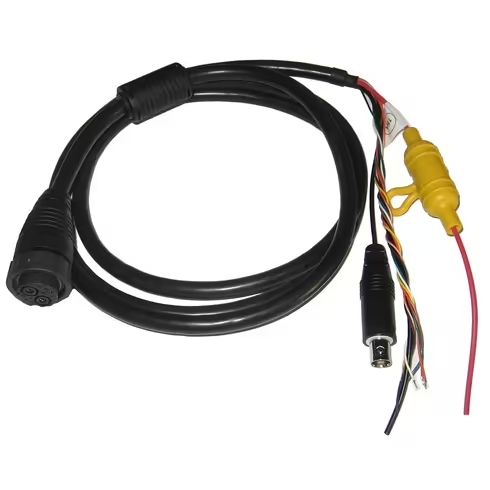

Raymarine Power/Data/Video Cable, For Axiom Pro & Legacy MFDs, 1.5m
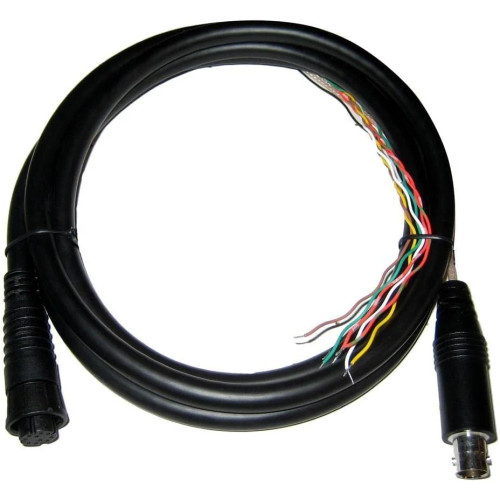

Raymarine eS7 Video In/NMEA 0183 Cable, For eS75/78, 2 m
Out of stock