


Garmin GPSMAP Flush Mount Kit, Mounting Hardware, Template, Installation Instructions


-
Perfect Fit, Guaranteed
Get the right part every time
-
Expert Support
Our in-house specialists know our products inside and out
-
Enhanced Value & Service
We go beyond the sale with professional and balanced services
-
Wordwide Delivery
Enjoy hassle-free worldwide delivery
Garmin GPSMAP Flush Mount Kit, Mounting Hardware, Template, Installation Instructions

Garmin GPSMAP Flush Mount Kit, Mounting Hardware, Template, Installation Instructions
Overview
The Garmin Flush Mount Kit for GPSMAP is a cut-in mounting kit that lets a compatible GPSMAP chartplotter sit flush in your helm panel for a clean, low-profile install. It is made for mounting the display against most flat surfaces on a boat, where you want the unit secure and visually integrated with the dash.
This kit is a fit-check item as much as a mounting accessory. The cutout template and hardware are matched to specific GPSMAP series, so the right version matters before you start cutting a panel.
Key features
- Flush-mount install that seats the chartplotter tight to the helm surface for a low-profile finish.
- Cutout template helps you mark the opening and fastener locations accurately before drilling and cutting.
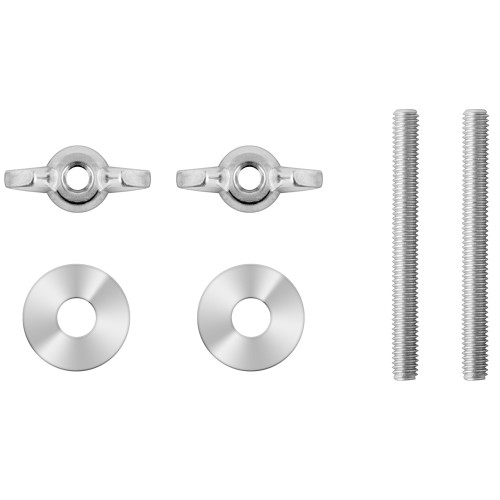
- Mounting hardware is included so you can complete the install without sourcing specialty fasteners.
- Clean fit on flat helm faces and nav panels where a bracket mount would stick out and snag.
Variants
This flush mount kit is offered in multiple configurations based on chartplotter compatibility. The main difference across the range is which GPSMAP series the cutout and mounting pattern match.
Compatibility options in this family cover GPSMAP 7x2, 9x2, 10x2, 12x2, 7x3, 9x3, 12x3, and 16x3 series units. Match your chartplotter series to the kit so the template and mounting points line up correctly.
Installation and setup
Plan the install from both sides of the panel. Before cutting, confirm there is clearance behind the mounting surface for the chartplotter body, connectors, and cable bend radius, and make sure you can still reach the wiring after the unit is in place.
Use the included template to mark the cutout and pilot holes, then dry-fit the display before final fastening. Tighten hardware evenly so the unit sits flat, and keep cabling supported to avoid vibration working on connectors over time.
Compatibility and fit
These kits are series-specific, so the series number matters more than the general GPSMAP name. For example, GPSMAP 7x2 series models include 722 and 742 units, GPSMAP 9x2 series models include 922 and 942 units, and GPSMAP 7x3 series models include 723 and 743 units.
This is a good match for helm refits, new dash builds, and nav station installs where you want the display flush to the panel and less exposed to bumps, feet, and gear moving through the cockpit.
What’s included
- Mounting hardware
- Installation instructions
- Cutout template
We ship all in-store (FL) stock orders the same day if placed before 3 PM EST, Monday through Friday. Orders placed after this time will ship the next business day. Orders fulfilled from other warehouses or manufacturers may not ship the same day. If an item is out of stock, we will notify you promptly.
Related Products
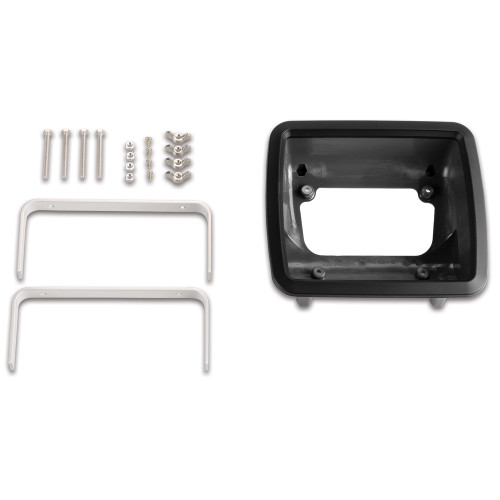
Garmin GPSMAP 4xx Series Flush Mount Kit, Template, Hardware
Out of stock

Garmin echoMAP 9Xsv Flush Mount Kit, Hardware, Installation Template
Out of stock
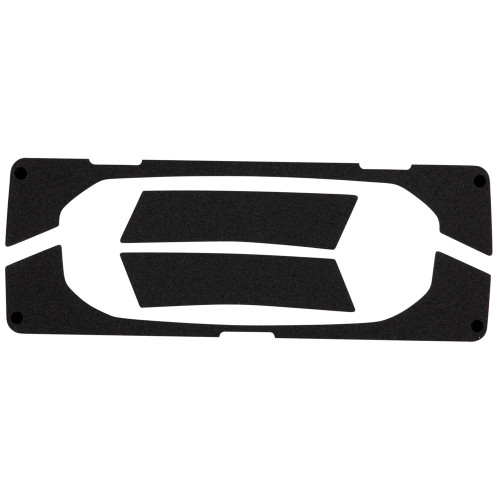
Garmin echoMAP 5Xdv Flush Mount Kit, Mounting Template, Hardware
Out of stock
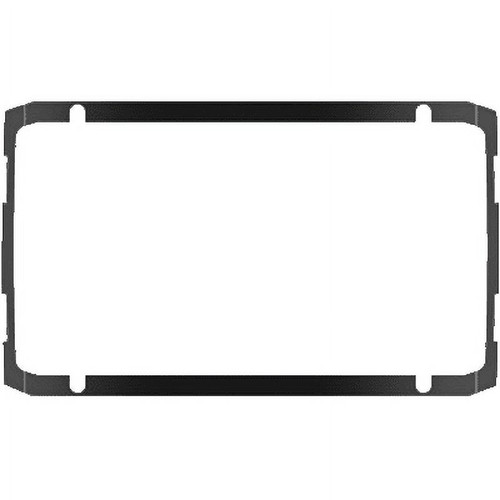
Garmin Flush Mount Kit, For echoMAP Plus 6Xcv, Hardware, Template
Out of stock
Garmin echoMAP 4Xdv Series Flush Mount Kit, Hardware, Template
Out of stock