


Garmin Panoptix Ice Fishing Replacement Power Cable, For Panoptix Ice Fishing Bundle/Kit, 5A Fuse Holder, Charge Port Plug


-
Perfect Fit, Guaranteed
Get the right part every time
-
Expert Support
Our in-house specialists know our products inside and out
-
Enhanced Value & Service
We go beyond the sale with professional and balanced services
-
Wordwide Delivery
Enjoy hassle-free worldwide delivery
Garmin Panoptix Ice Fishing Replacement Power Cable, For Panoptix Ice Fishing Bundle/Kit, 5A Fuse Holder, Charge Port Plug

Garmin Panoptix Ice Fishing Replacement Power Cable, For Panoptix Ice Fishing Bundle/Kit, 5A Fuse Holder, Charge Port Plug
Overview
The Garmin 010-12676-35 is a replacement power cable that connects a Panoptix PS22 transducer and a compatible ECHOMAP chartplotter to the battery used in Garmin Panoptix ice fishing bundles and kits. It includes a 5 A in-line fuse holder and a convenience charge-port plug.
This cable is meant for the portable ice fishing setup where the transducer and display share the same battery feed. It restores the correct harness layout when the original cable is missing, damaged, or corroded at the battery connections.
The battery end uses red and black spade terminals that slide onto the positive and negative posts, keeping hookup straightforward when you are setting up in the dark or wearing gloves.
Key features
- Connects a Panoptix PS22 transducer and compatible ECHOMAP chartplotter to battery power in supported Garmin ice fishing bundles and kits.
- 5 A in-line fuse holder on the power feed.
- Convenience charge-port plug for the portable kit charging connection.
- Gray pinch-style bare-wire connectors for the PS22 transducer power leads.
- Battery connection uses red and black spade terminals for quick attachment to the battery posts.
- Red and black conductors that tie into the chartplotter power lead (red to red, black to black).
Compatibility and fit
This cable is intended for Garmin Panoptix ice fishing bundles and kits that use the Panoptix PS22 transducer with a compatible ECHOMAP chartplotter. The transducer-side connections are specific to the portable ice fishing harness, so it is not a generic marine power lead.
Installation and setup
Connect the PS22 transducer power leads to the gray bare-wire connectors. Connect the cable conductors to the chartplotter power lead (red to red, black to black), then slide the spade terminals onto the battery posts with correct polarity.
Route the cable so it does not get pinched by the case, shuttle, or battery strap, and leave the fuse holder where it can be accessed without pulling the whole setup apart.
Maintenance and care
After use, wipe off moisture and any salt spray, then let the cable dry before packing it back into a bag or case. Keeping the battery terminals clean and snug helps prevent intermittent power drops that can look like a sonar or display problem.
We ship all in-store (FL) stock orders the same day if placed before 3 PM EST, Monday through Friday. Orders placed after this time will ship the next business day. Orders fulfilled from other warehouses or manufacturers may not ship the same day. If an item is out of stock, we will notify you promptly.
Related Products

Garmin Panoptix LiveScope Boat Kit, For LiveScope Ice Fishing Bundle
Out of stock
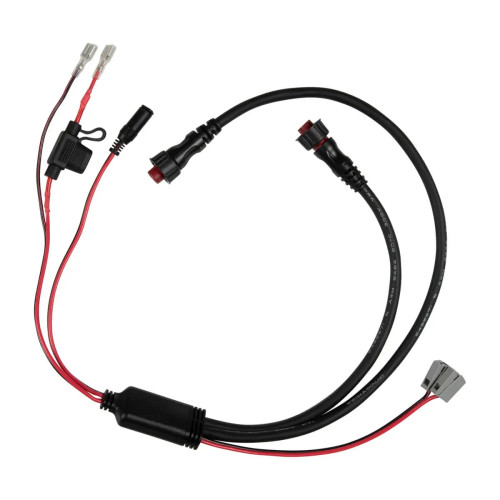
Garmin Lithium-Ion 4-in-One Power Cable, For Panoptix LiveScope Ice Fishing Bundles
Out of stock
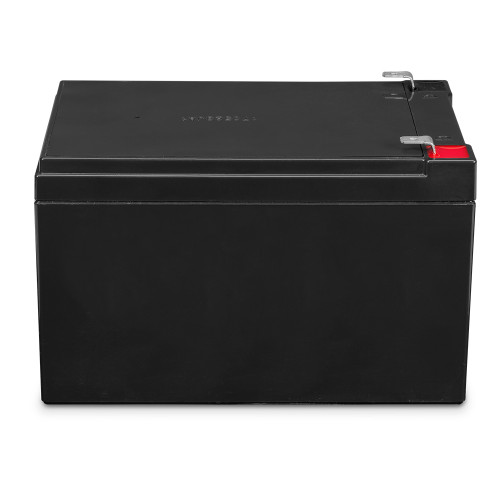

Garmin 12 Ah Sealed Lead-Acid Battery, For Panoptix & LiveScope Ice Fishing Kits
Out of stock
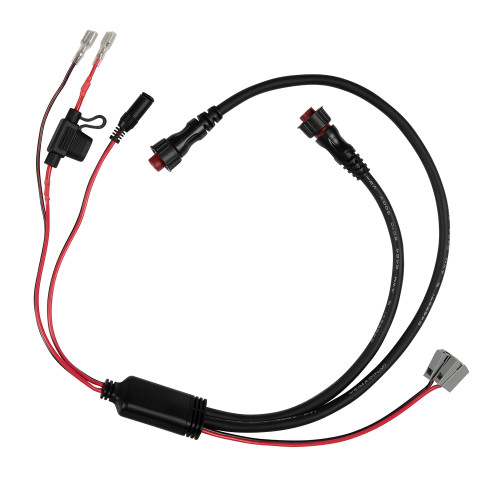
Garmin All-in-One Power Cable, For Panoptix LiveScope/PS22, ECHOMAP 7 in+, 10A Fuse, Charge Port Plug
Out of stock


Garmin ECHOMAP UHD2 75sv Ice Fishing Bundle, Panoptix PS22-IF LiveVü Forward/Down, Canada Inland & Coastal Charts
Out of stock