


Garmin Transducer Y-Cable, 12-Pin to Dual 4-Pin


-
Perfect Fit, Guaranteed
Get the right part every time
-
Expert Support
Our in-house specialists know our products inside and out
-
Enhanced Value & Service
We go beyond the sale with professional and balanced services
-
Wordwide Delivery
Enjoy hassle-free worldwide delivery

Garmin Transducer Y-Cable, 12-Pin to Dual 4-Pin
Overview
The Garmin 010-12234-05 is a 12-pin to dual 4-pin transducer Y-cable that connects a compatible 12-pin transducer to a compatible Garmin device that uses 4-pin transducer inputs.
It is used when the transducer you want to run terminates in Garmin’s 12-pin plug, but the sonar module or display you are wiring into is built around 4-pin transducer connections. The split end provides two 4-pin connections, so the host unit must have the matching 4-pin ports for the channels it expects.
This is an adapter cable rather than an extension run. Plan on installing it close to the electronics where the connectors can stay dry and supported, then route and secure the transducer lead so vibration and movement do not work on the plugs over time.
Key features
- Adapter format: 1 x 12-pin connection to 2 x 4-pin transducer connections
- Connects a compatible 12-pin transducer to compatible Garmin electronics with 4-pin transducer ports
- Supports clean plug-to-plug rigging without cutting or splicing transducer wiring
- Y-split layout supports installs where the host unit uses two 4-pin connections for transducer functions
- Removable adapter style helps with service access and sonar troubleshooting without disturbing the transducer install
Compatibility and fit
Confirm the transducer uses a Garmin 12-pin plug and confirm your display or sonar module has the dual 4-pin transducer connections this Y-cable mates with. If your unit uses a different connector style such as 6-pin, 8-pin, or 12-pin on the device side, a different adapter cable is required.
This cable adapts the transducer connection only. It does not change network standards or replace any separate power, networking, or accessory wiring used elsewhere in the system.
Installation and setup
Route the cable so the connectors sit in a dry area behind the helm or inside a console, with a drip loop if they are below a deck opening. Leave enough slack for service access, and support the cable so the weight of the transducer lead is not hanging on the connectors.
Keep transducer wiring separated from high-current DC runs and VHF coax when practical, and recheck sonar settings after installation so the unit is configured for the connected transducer.
Use cases on board
Common installs include upgrading to a newer 12-pin transducer while keeping electronics that are wired for 4-pin transducer inputs, or moving a transducer between boats that use different Garmin connector generations. It also helps when bench-testing a transducer and display at the dock before final rigging.
Maintenance and care
Inspect the connectors during routine electronics checks, especially after rough weather or heavy washdowns. If the plugs are disconnected, keep the ends clean and protected until they are reconnected.
We ship all in-store (FL) stock orders the same day if placed before 3 PM EST, Monday through Friday. Orders placed after this time will ship the next business day. Orders fulfilled from other warehouses or manufacturers may not ship the same day. If an item is out of stock, we will notify you promptly.
Related Products
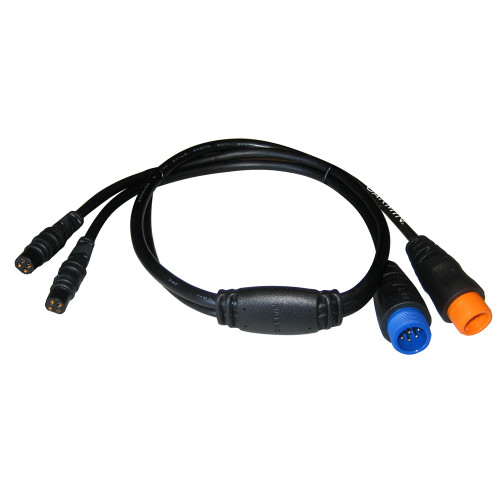
Garmin Transducer Adapter Cable, 12-Pin and 8-Pin to Dual 4-Pin
Out of stock

Garmin 12-Pin Port/Starboard Transducer Y-Cable, For 12-Pin GT Transducers, SideVü Splitter
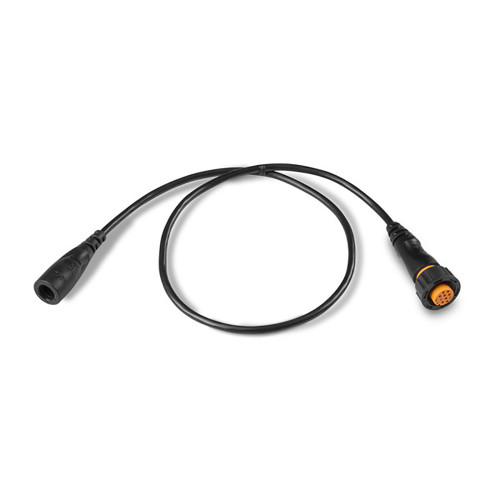
Garmin 4-Pin Transducer to 12-Pin Sounder Adapter Cable, For echoMAP and GPSMAP

Garmin 8-Pin Transducer to 12-Pin Sounder Adapter Cable, With XID
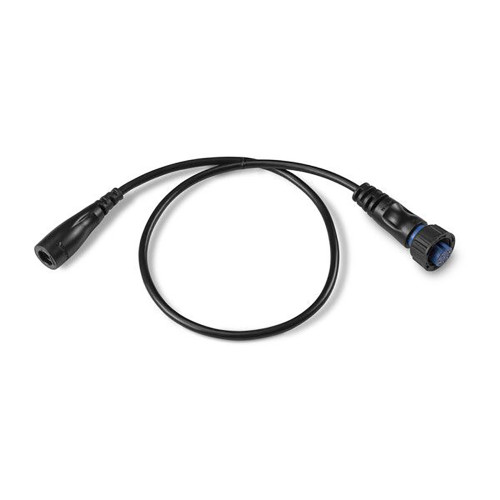
Garmin Transducer Adapter Cable, 4-Pin to Blue 8-Pin Sonar Connector