


Garmin Marine Network PoE Isolation Coupler, For FLIR Cameras


-
Perfect Fit, Guaranteed
Get the right part every time
-
Expert Support
Our in-house specialists know our products inside and out
-
Enhanced Value & Service
We go beyond the sale with professional and balanced services
-
Wordwide Delivery
Enjoy hassle-free worldwide delivery
Garmin Marine Network PoE Isolation Coupler, For FLIR Cameras
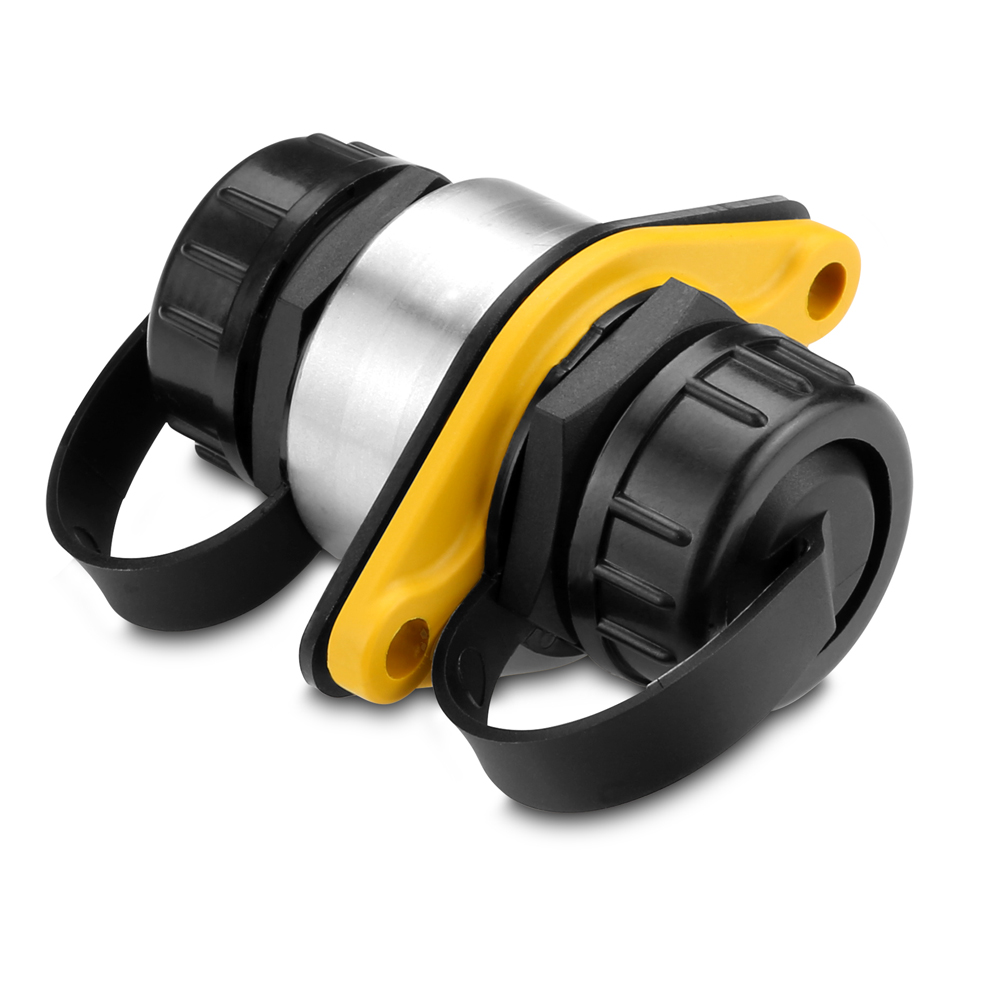
Garmin Marine Network PoE Isolation Coupler, For FLIR Cameras
Overview
The Garmin 010-10580-10 is a Power over Ethernet isolation coupler that lets a PoE device connect to the Garmin Marine Network without feeding PoE power into the network side.
It works as an in-line RJ45 pass-through and is commonly used when linking FLIR M-Series or MD-Series thermal cameras to compatible Garmin GPSMAP chartplotters. Without the isolation coupler in the link, the network may not function correctly and there is risk of damaging the chartplotter or the PoE device.
The coupler mounts through a bulkhead or dash cutout using a 1-3/8 in hole, which makes it easy to create a clean, serviceable connection point at the helm or inside an electronics locker.
Key features
- PoE isolation for safely connecting PoE devices to the Garmin Marine Network
- RJ45 Ethernet port on each end for straightforward in-line integration
- Through-panel mounting with a 1-3/8 in installation hole for tidy helm and rack layouts
- Gasketed flange helps limit moisture migration through the cutout
- Screw-on port caps help keep the RJ45 ports protected during installation or when a port is unused
- Can be used in network layouts that include a GMS 10 network port expander
Compatibility and fit
This coupler is used when a PoE device needs to communicate on the Garmin Marine Network with compatible Garmin GPSMAP chartplotters. It is commonly referenced for GPSMAP 8000 series installations, and it is also used across a wider range of select GPSMAP series network systems. If your setup includes a network port expander such as the GMS 10, the coupler can be installed on the device leg where appropriate.
Installation and setup
Choose a mounting spot that stays out of direct washdown spray, such as behind the dash, on a helm bulkhead, or inside an electronics cabinet. Cut a 1-3/8 in hole, seat the gasket, and secure the flange so the coupler stays stable under vibration. Leave enough slack in the network cabling to avoid putting strain on the RJ45 plugs in rough water.
Connect one side to your Garmin Marine Network cable run and connect the other side to the PoE device cable. Keep the protective caps on any port that is not connected while you are building out the system or when servicing nearby electronics.
What’s included
- PoE isolation coupler with RJ45 ports
- 2 screw-on port caps
- 2 mounting nuts
- Gasket
- Instructions and mounting template
We ship all in-store (FL) stock orders the same day if placed before 3 PM EST, Monday through Friday. Orders placed after this time will ship the next business day. Orders fulfilled from other warehouses or manufacturers may not ship the same day. If an item is out of stock, we will notify you promptly.
Related Products

Garmin Marine Network Cable Coupler, Small Connector


Garmin GC 200 Marine IP Camera, Garmin Marine Network, Infrared 30m, IPX7

Garmin Marine Network Cable Coupler, 2x RJ45 Female
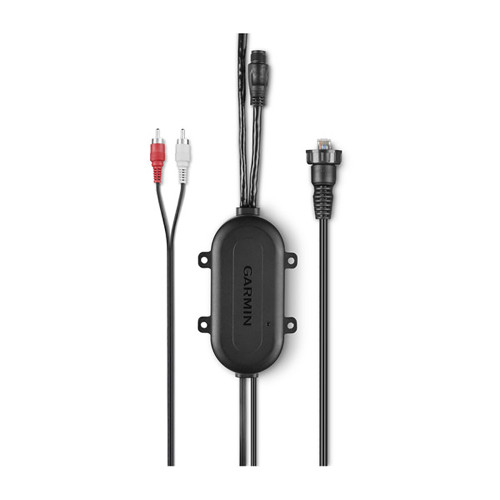
Garmin Power & Audio Module, For GXM 53/54, GC 200 Camera, Garmin Marine Network


Garmin BlueNet 30 Gateway, BlueNet to Garmin Marine Network, 10-32V